Admin panel
The admin panel is available over HTTP on port 9050 (unless changed in config.json).
If the server is running on your local machine, you can open it at http://localhost:9050.
First-time setup
When launching the server for the first time, you will need to create an administrator account.
During startup, the server prints a one-time setup PIN in the console output:
$ ./server.exe
[15:16:37 INF] Starting web server on 127.0.0.1:9050
[15:16:37 INF] Starting RelayServer...
[15:16:37 INF] Running server on port 9050
...
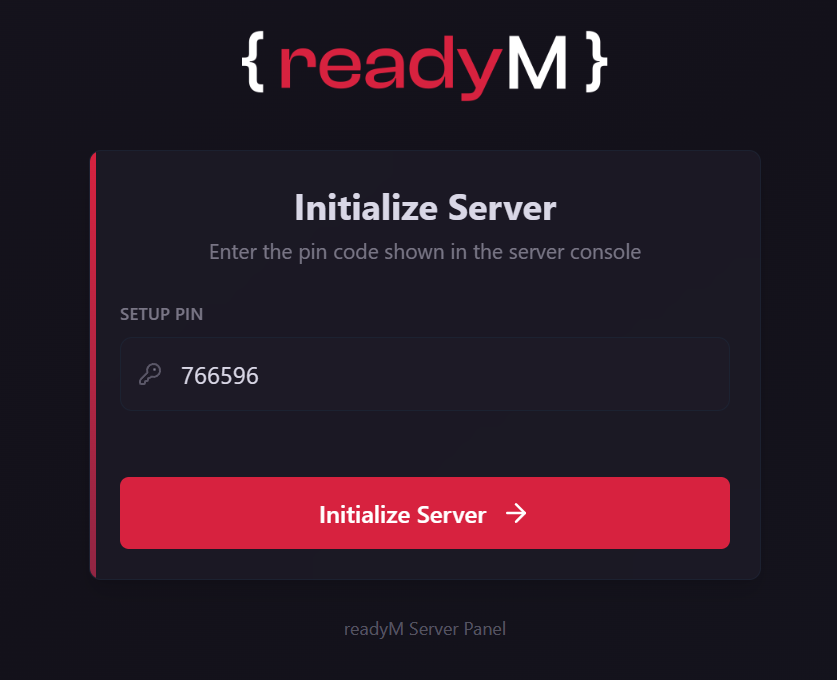
[15:16:37 WRN] No admin users found. Admin setup PIN: 766596
Enter this PIN in the admin panel to begin the setup process.
Sign in with ReadyM
After entering the PIN, you will be asked to sign in with your ReadyM account.
You will be redirected to the ReadyM authentication page, where you can enter your credentials.
Once authentication is successful, you will be redirected back to the admin panel automatically.
Admin panel interface
After signing in, you can access the admin panel interface.
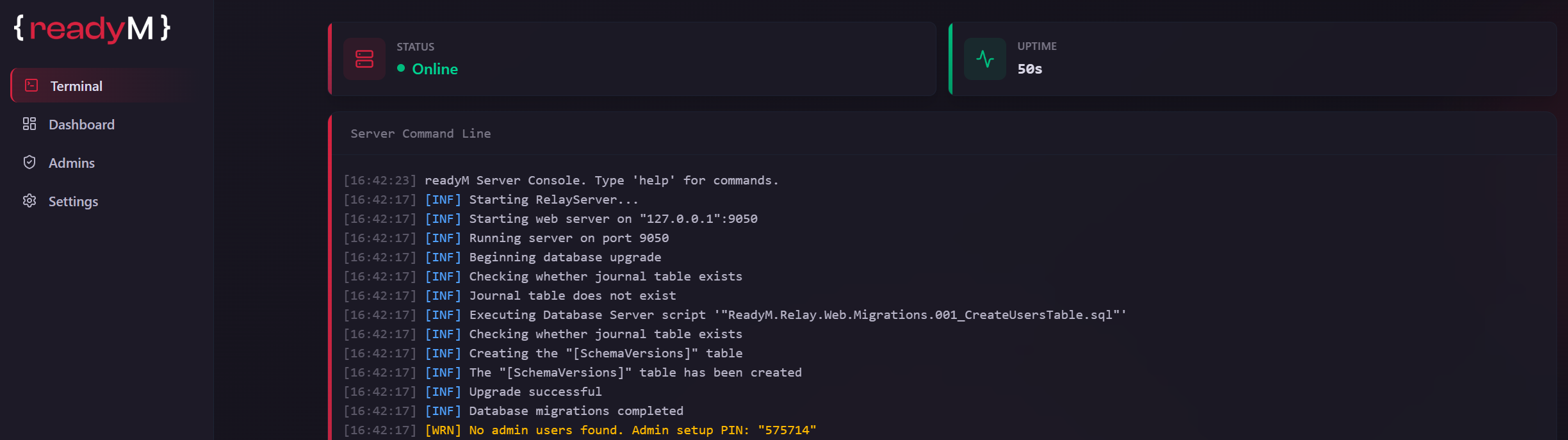
The admin panel offers the following views:
- Terminal - view server status, active players, uptime, and real-time logs.
- Network - view live relay traffic, server tick timing, and a per-component breakdown of what is being replicated. See Network stats.
- Players - view the list of players who have ever connected to the server, along with their first and last visit date.
- Mods - view the list of currently installed mods on the server.
- Admins - view the list of server administrators, add new administrators, and manage their permissions.
- Settings - manage panel settings, such as language and theme.